Access eLearning directly from within the suite
-
Launch the Workforce Optimization suite.
-
Type your user name and password in the appropriate boxes.
The suite main window opens on the My Schedule tab.
-
To open the eLearning Product that provides hard and soft skills training, applicable for the entire employee life cycle (before, during, and after the hiring process), and includes training assessment and design tools. Student pages, go to My Home. Under My eLearning, choose one of the options.
-
For details on navigation in eLearning and the suite main page, see Navigate in eLearning Student.
-
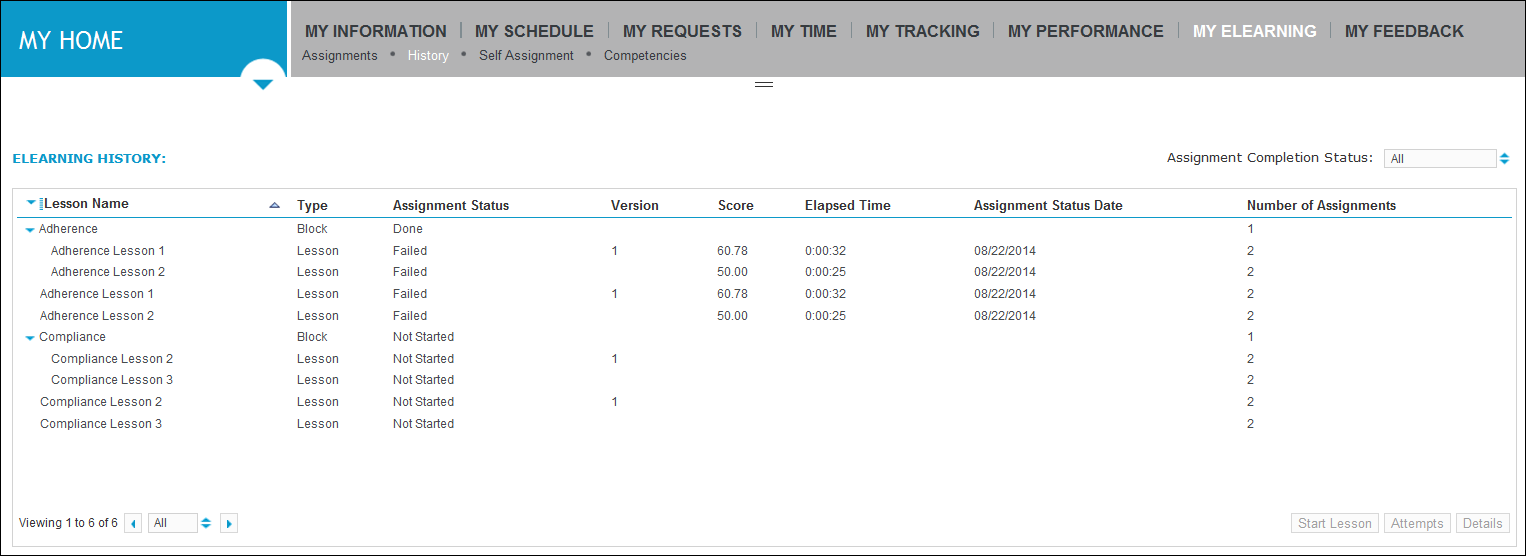
To open the eLearning Student pages, go to My Home. Under My eLearning, choose one of the options.
-
For details on navigation in eLearning and the suite main page, see Navigate in eLearning Student.