Activate or deactivate a source code
Procedure
-
Point to Integration Management. Under Scorecards Product that assists agents, supervisors and all contact center employees to focus on critical aspects of their performance and identify opportunities for improvement. Sources, click Source Codes.
-
In the left pane, from the Source Types list, select a source type such as WFMS.
The right pane lists all the codes that are associated with the source type.
-
To activate or deactivate a source code, select it from the Source Code page, and click Edit Source Code.
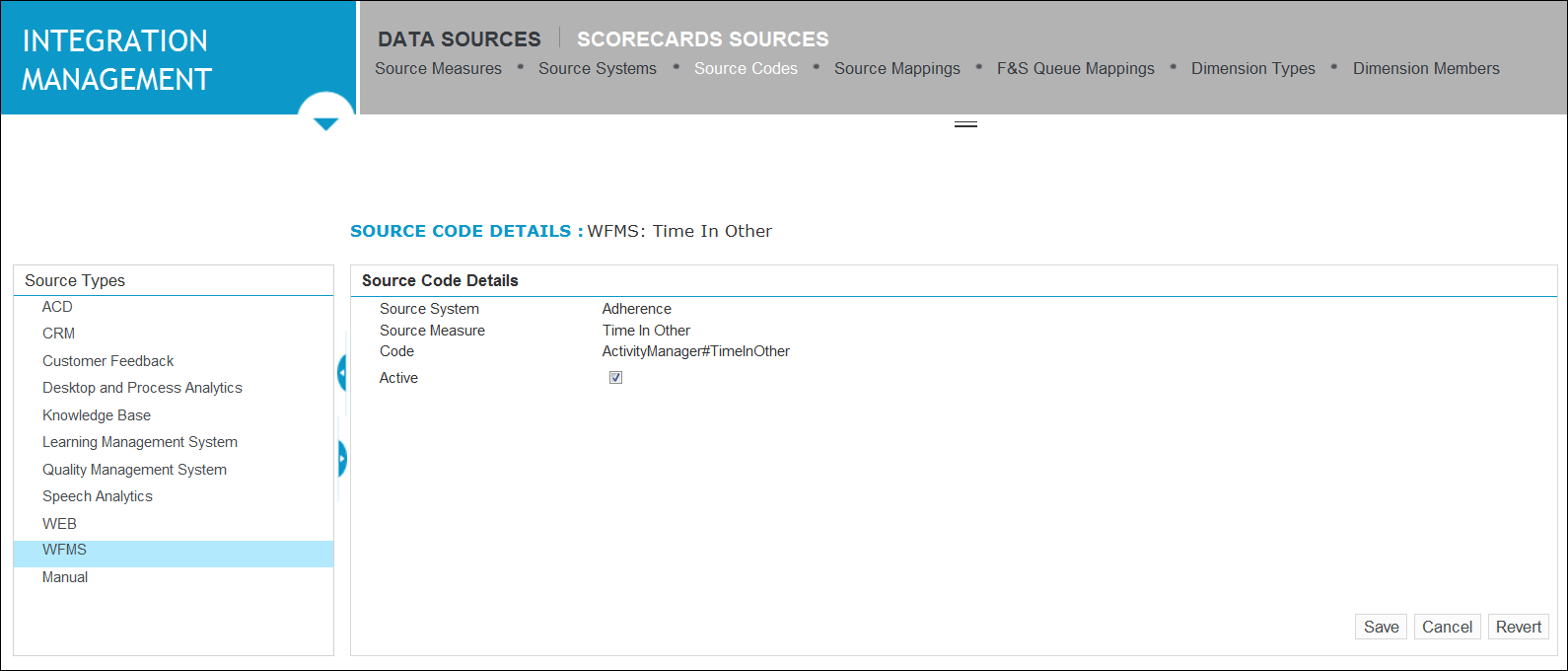
The Source Code Details page opens on the right panel.
-
Do one of the following:
-
If you are activating a source code, select the Active check box.
-
If you are deactivating a source code, clear the Active check box.
-
-
Click Save.